
WARNING
You are reading a documentation for an outdated version 1.3.
The up-to-date documentation for the latest version 1.4 is here.
Troubleshooting
The squares in activity charts don’t correspond with the actual days
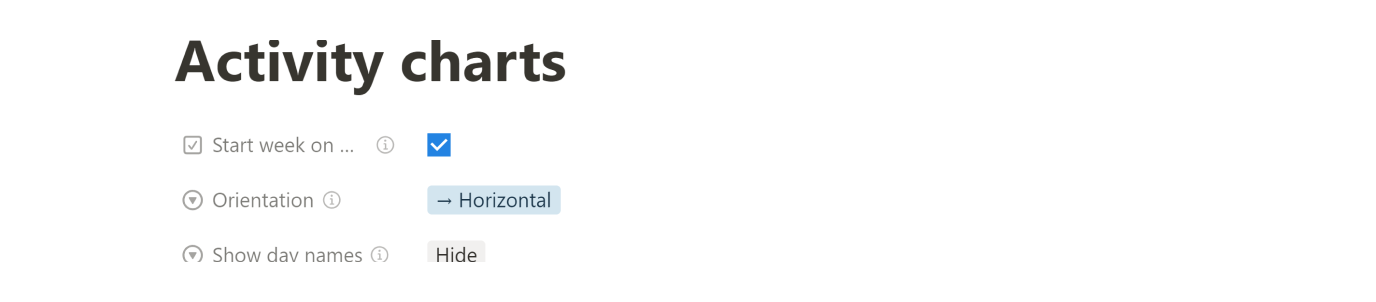
It is probably because incorrect settings. According to a place where you live you might be used to start the week either on Monday or Sunday. Check and adjust the Start week on Monday option in the Settings > Activity charts.
No activity chart displayed on the habit card
See Stats are missing in the habit's detail page.
Stats are missing in the habit's detail page
If the Stats view is empty in the habit's detail page or doesn't show all the stats, you've probably created the habit directly by adding a page to Habits database. You should always use the + New habit button bellow the habits view.
To fix it, read How to add missing stats.
What version do I have?
Go to Help > About the template and there is the information at the top of the page.